
Upon logging in, go to Enrolled courses and click ALL tab to view all courses.

Upon logging in, go to Enrolled courses and click ALL tab to view all courses.

Kindly read first the LMS FAQs before writing any questions or queries because the answers to the questions could be here already. Thank you! Question Answer ERROR: I …
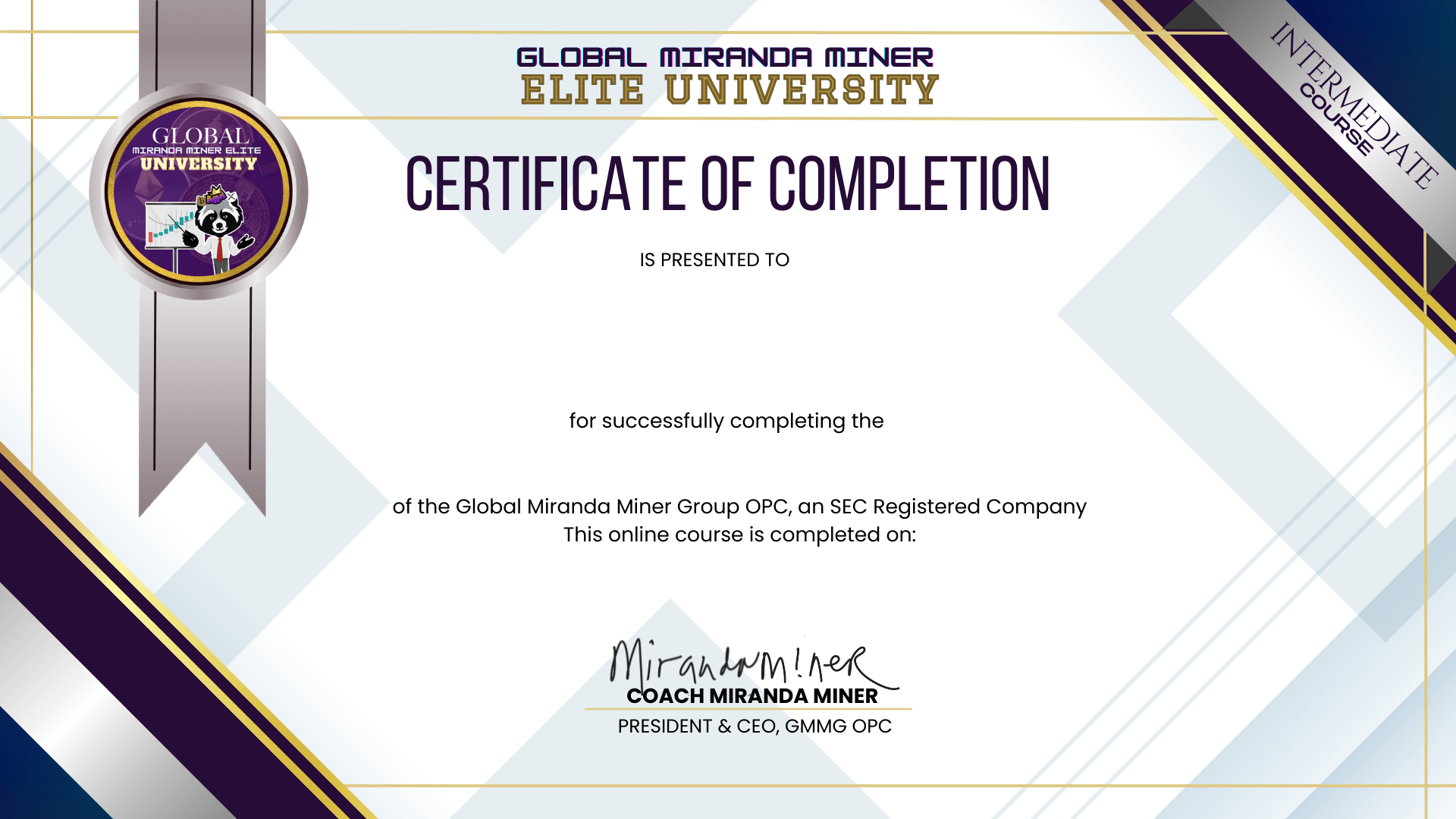
Changing the name that appears in your certificate is easy as 2 steps. Step 1: Login to your profile then go to settings Step 2: Update the Display Name as …
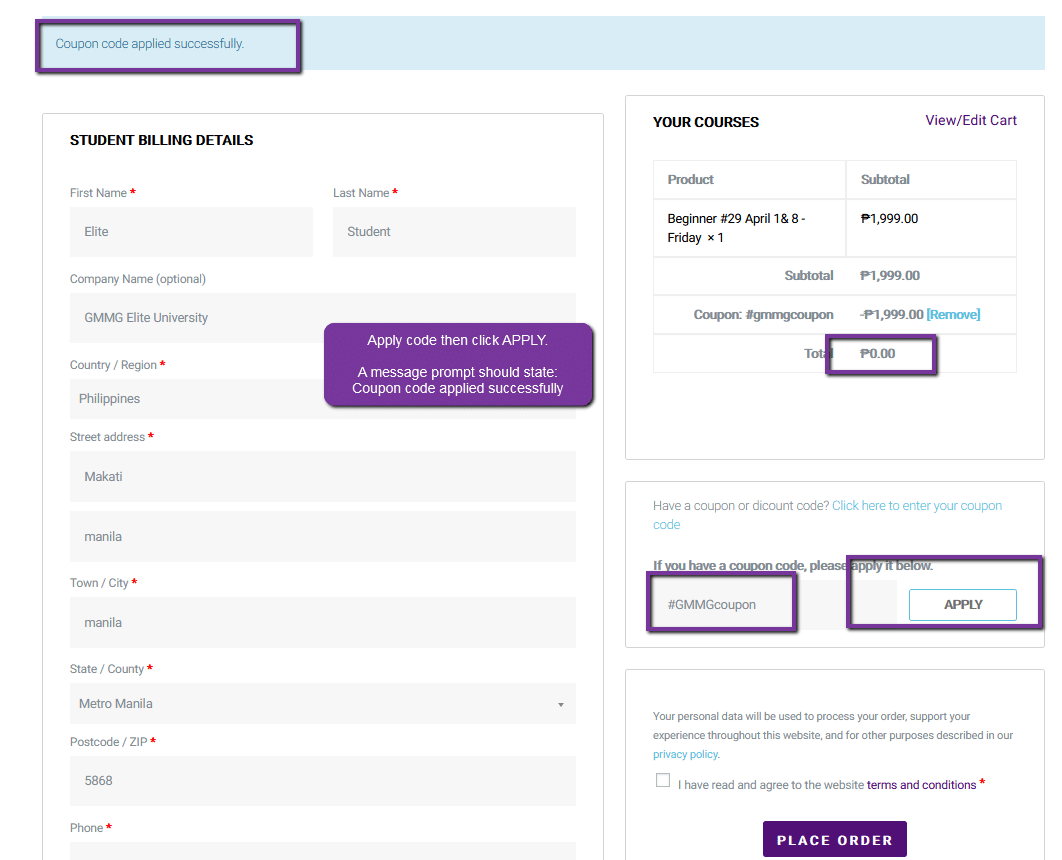
Step 1: Go to Course > select the pre-selected course > checkout Make sure you place the coupon code first and click APPLY. No payment method needed Note: The …
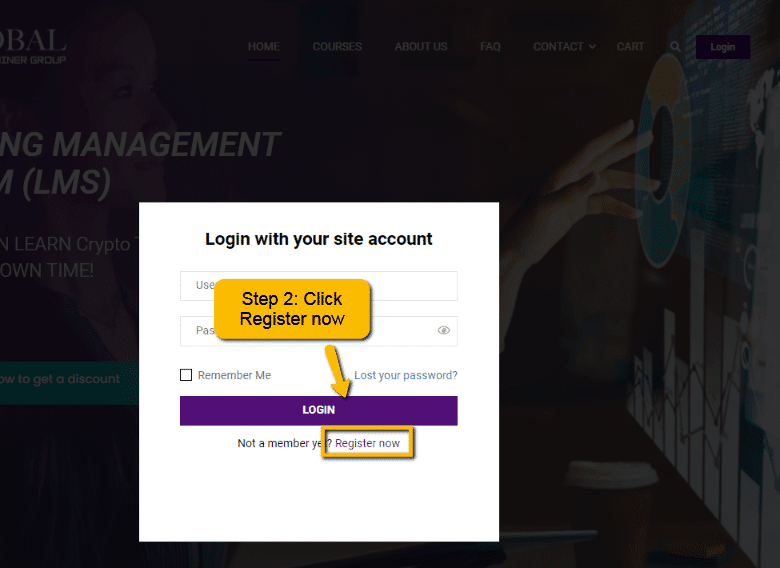
As a new enrollee/student, click the Login button and select “Register” Step 2: Click the “Register now” link. If you have previously registered, please input your username and password. Make …
Thank you for enrolling in the LMS course! We are still currently receiving new students and migrating the previous enrollees into the system, kindly bear with us with the delay …


Not a member yet? Register now
Are you a member? Login now